An Arabic story starring your child, ready in minutes
Hikaya writes illustrated stories in Arabic and English with your child as the hero, and gives teachers a studio to prepare lesson materials for any subject and review them before they reach the class.
Try a complete sample story. No account needed.
 خطوة. ثم رسمة. ثم خطوة أخرى.One step. One drawing. Then one more step.for Maryam
A Hundred Steps to the Sea
مئة درجة نحو البحر
Your role. Your space to grow.
See exactly what each account brings to your day.
From a lesson idea to a lightbulb moment.
A teaching studio for any subject. Plan, prepare, teach and reflect in one connected workspace.
Plan any subject
Learning objectives, lesson steps, classes and a teaching calendar.
Make it your own
Editable learning stories, worksheets, questions and support or stretch resources.
Teach and assess
Classroom presentation, assessment tasks and criteria you review.
Share useful work
Approved student materials, family messages and Word or PDF exports.
Create, edit and review materials yourself. Hikaya Assistant and media generation are available when enabled, within your account permissions and usage limits.
Child space
A caregiver-created code and PIN opens authorized books, My Hero and treasures, plus story activities and adult-reviewed support when available. Children do not need public signup.
Platform owner
For authorized operators: account and plan inventory, usage and audit records, support and incident workflows, and exportable reports.
Operator sign inBilling administrator
A restricted account for authorized usage, billing audit and reporting. It does not open the owner's support inbox or private child content.
Billing sign inYour ideas deserve more than a blank page.
From science to language, start with your subject. Shape your resources, review them and bring them into the classroom.
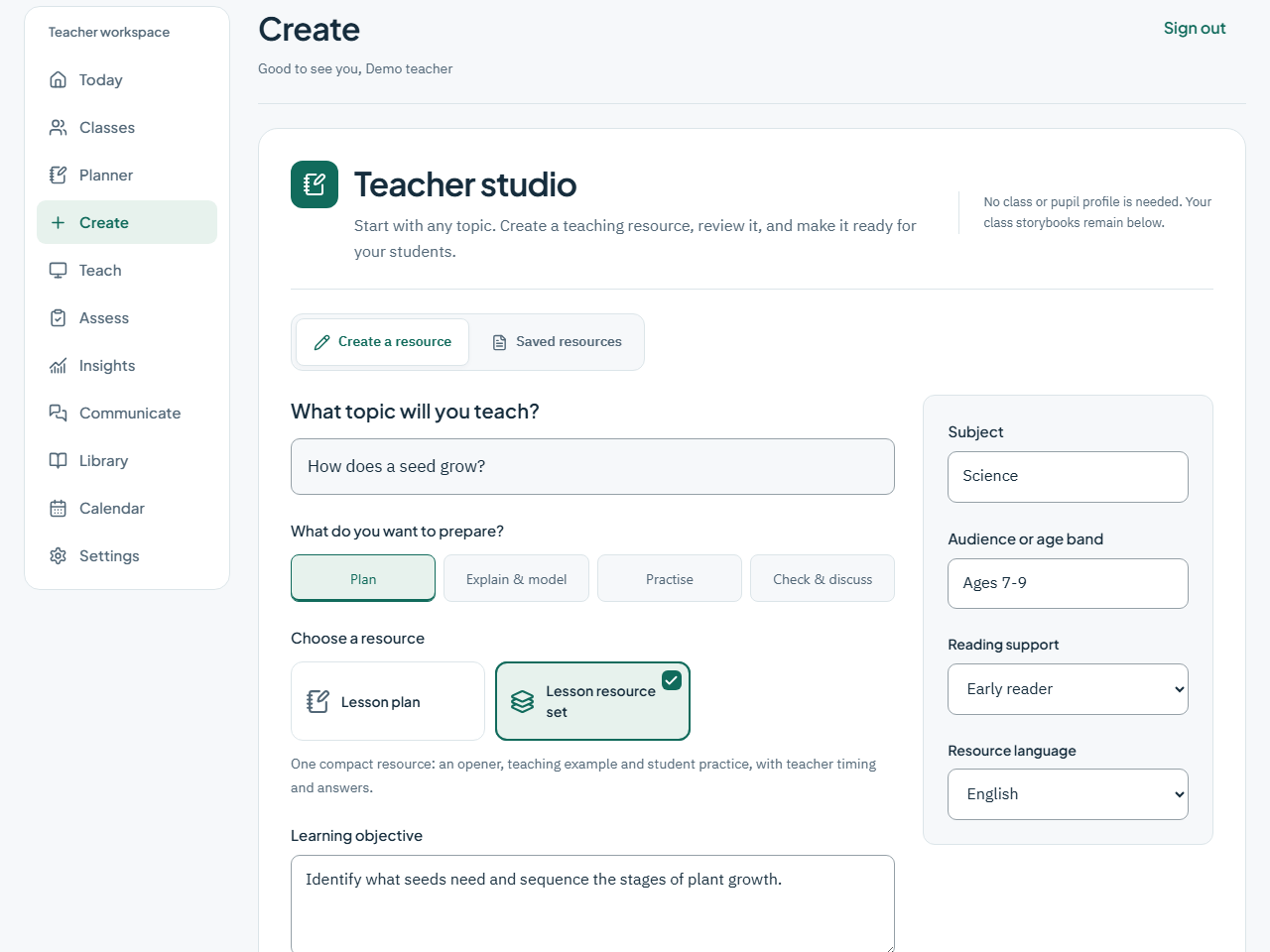
One story. A journey you share.
Explore the steps from knowing your reader to opening a story together.
A grown-up adds the child's age, reading level and interests in My Space.
Choose a theme and a value. Start with words, or create an approved hero for pictures.
Read the story first, share it with your child, and use the questions to start a conversation.
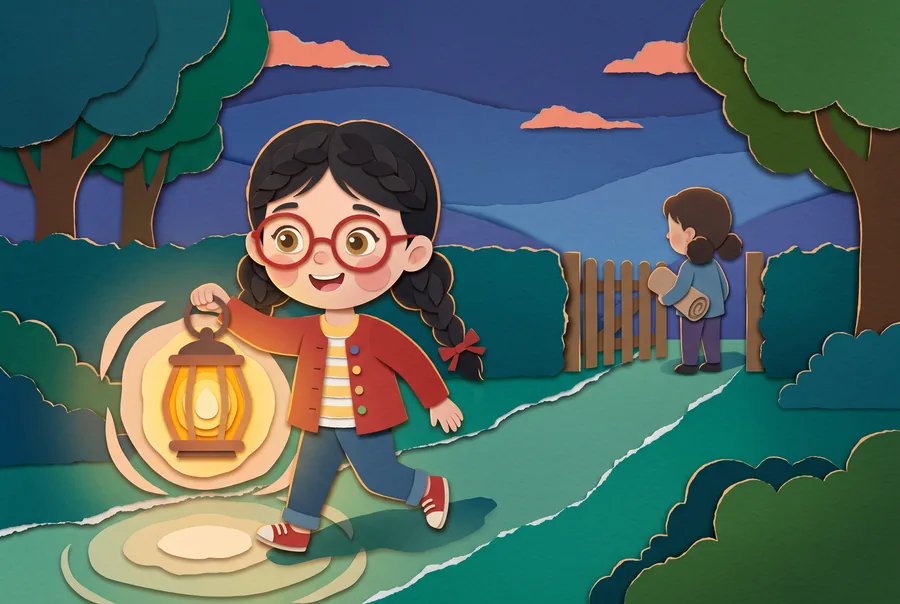 From the sample libraryMaya and the Night of Falling Stars
Begin with the reader
A few thoughtful choices give the story its starting point. A photograph is optional.
- Interests
- Reading level
- Story language
Explore the workflow. These are examples, and no child or school record is created here.
Open a story. Step into its world.
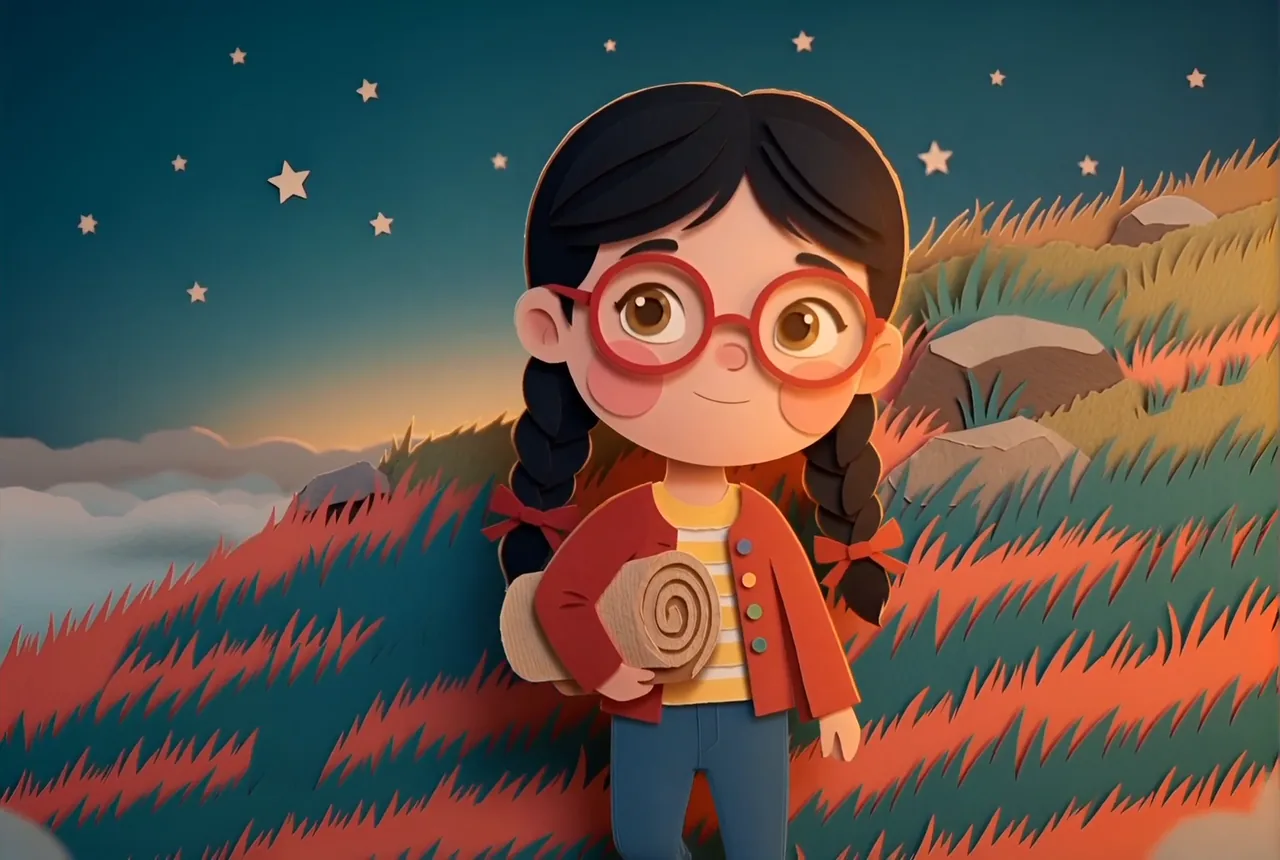
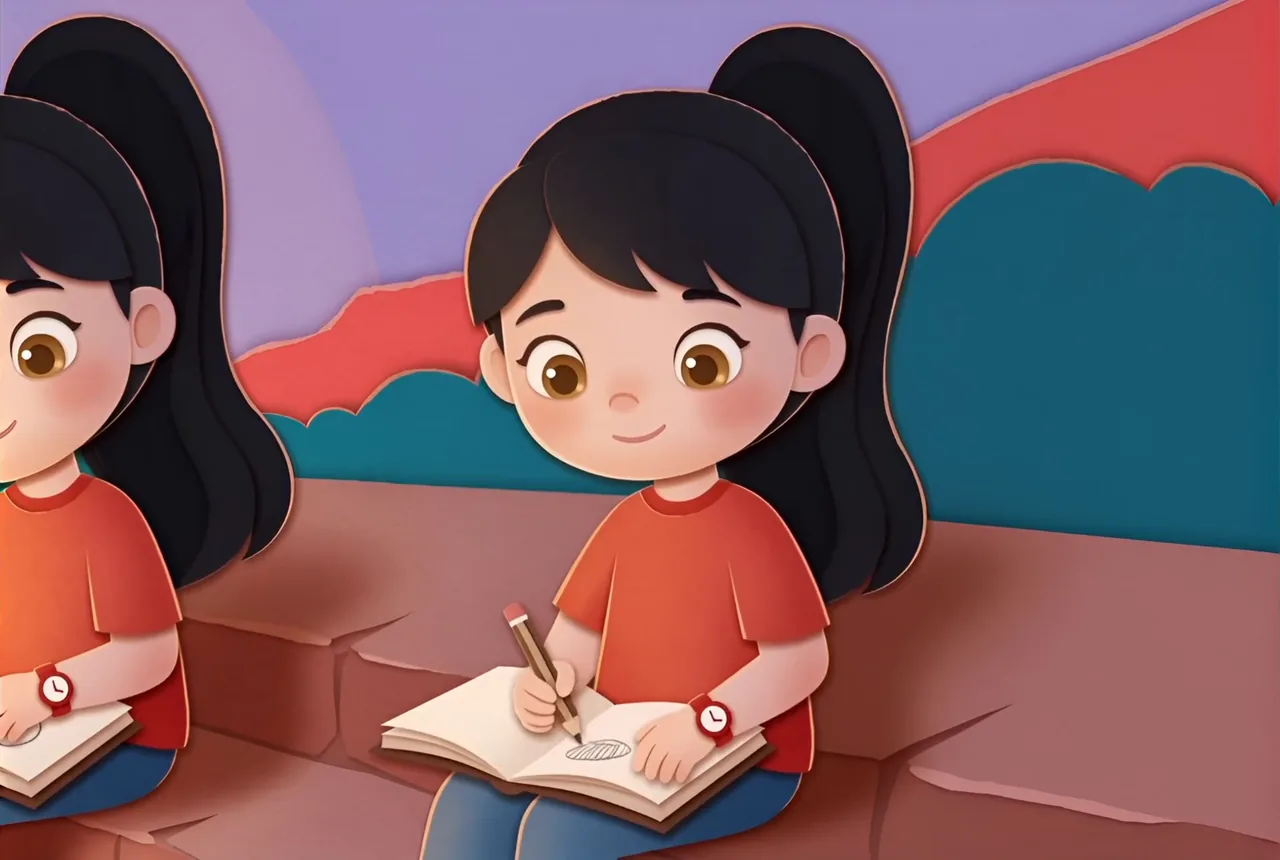
Explore two different stories, one in each language. Read together, listen, or watch a 60-second film excerpt.
Questions about Hikaya
Who is Hikaya for?
Families reading with their children, teachers planning lessons and preparing materials, and school administrators coordinating teachers and class records. Choose a child's age and reading level, and review the sample and each new story to judge the fit.
What can I try for free?
The sample needs no account or card. For other options, check the available plans and payment details in the app before confirming. Registration does not automatically enable paid generation.
Which languages are available?
The interface is Arabic and English; stories and teaching materials can be Arabic, English, or bilingual. Interface language is separate from material language. When narration is available, listen to the sample to judge the fit.
How long does a story take?
Timing varies with the content and available service; preparation status appears in the app. Story text, images, narration and film are separate steps, so a finished text does not mean every media version is ready.
Do I need a photo of my child?
No. You can start with a child profile without a photo. Creating an approved visual identity is a separate step controlled by the parent.
What happens after reading?
Use comprehension questions and parent notes to start a conversation. Revisit or print the book. Reading indicators describe activity; they are not a diagnostic assessment.
Can teachers create more than stories?
Yes. Teachers can prepare suitable topic-based materials across subjects in 14 formats, including lesson plans, worksheets, quizzes, presentations and activities. Their workspace supports planning, review, teaching and recorded observations, with approved material exported as Word or PDF. Student copies exclude teacher answers and private notes. Manual authoring and editing remain available when assistance is disabled.
How do the account types differ?
Families, teachers and school administrators can register directly. Children use a code or PIN set up by their caregiver. Platform owner and billing administrator accounts are provisioned separately, not through public signup. School administrators coordinate teacher memberships and class records without access to private child profiles. Billing administrators receive permitted usage and billing-event views.
Is Hikaya Assistant available in every account?
Availability depends on the service being enabled and the account's usage limits. When available, it helps adults prepare task-specific drafts to review before use. When disabled, manual tools, permitted records and saved books remain available. Children receive finite caregiver-reviewed support cards, not open-ended AI chat.
One idea. So many possibilities.
A story for your family. A lesson for your class. Find your space and begin.